Official documentation

Find sftp-server path
sudo find / -name sftp-server

Paste following command
- sudo /usr/lib/openssh/sftp-server
sudo /usr/lib/openssh/sftp-server
Open root directory

Visudo
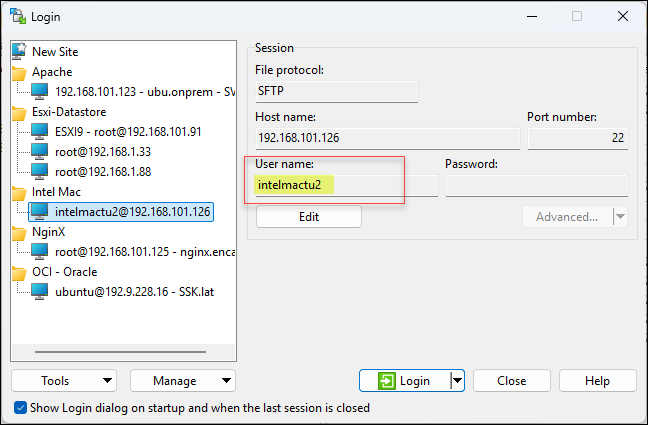
The issue is most likely that WinSCP is trying to execute the SFTP server as root, but the privilege escalation command is failing.
Configure Ubuntu to allow SFTP as root through sudo
This is my recommended solution because you can continue using your existing SSH key authentication without enabling direct root SSH login.
First, connect to Ubuntu using your regular SSH account.
- Run:
sudo visudo- At the bottom of the file, add:
intelmactu2 ALL=(root) NOPASSWD: /usr/lib/openssh/sftp-server