Step 1
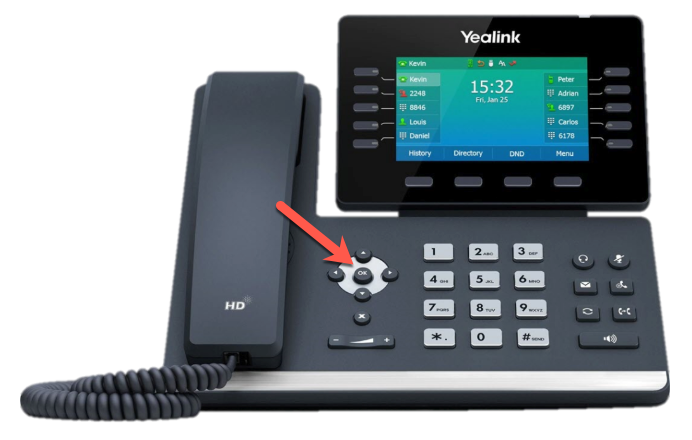
Press and hold the “OK” button for 5-10 seconds
Step 2
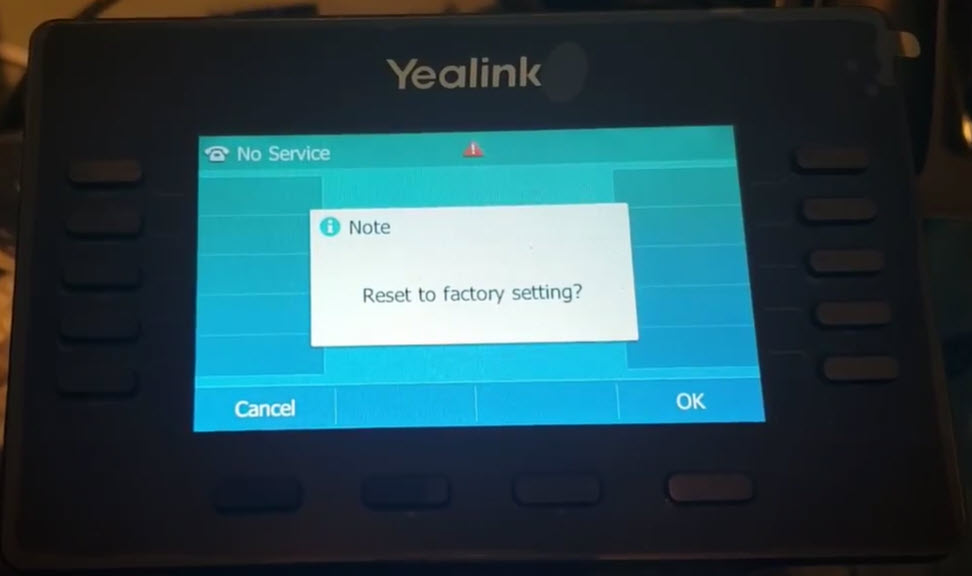
You’ll see a confirmation message on the phone’s screen stating “Reset to factory setting?“.
Press OK
Step 3
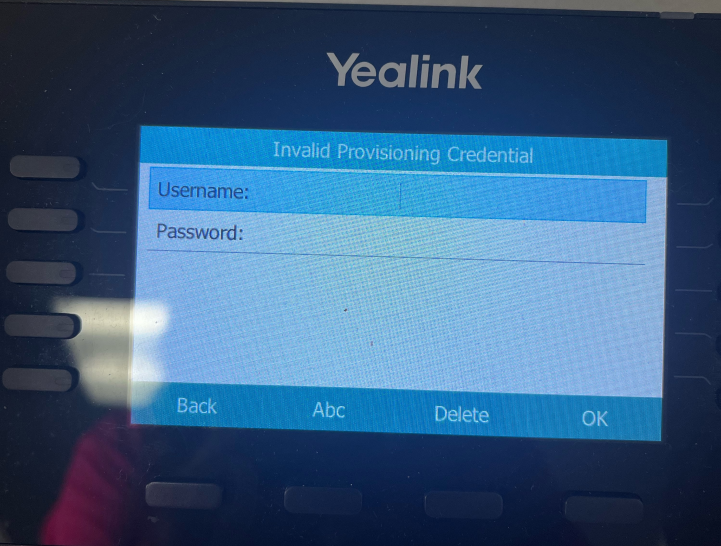
Depending on the firmware being used by your phone, you may be prompted to enter a username and password.
The default values are below:
- username: admin
- password: admin